How Asana Projects & Portfolios Improve Project Management
I've been doing a lot of Asana builds lately, and one question keeps coming up in almost every single one: What's the difference between a project and a portfolio? Honestly, fair question. Asana's help center has all the answers, but who has time to hunt through the documentation when you're actually trying to run a business?
So here's the TL;DR, straight from someone who builds these systems every day.
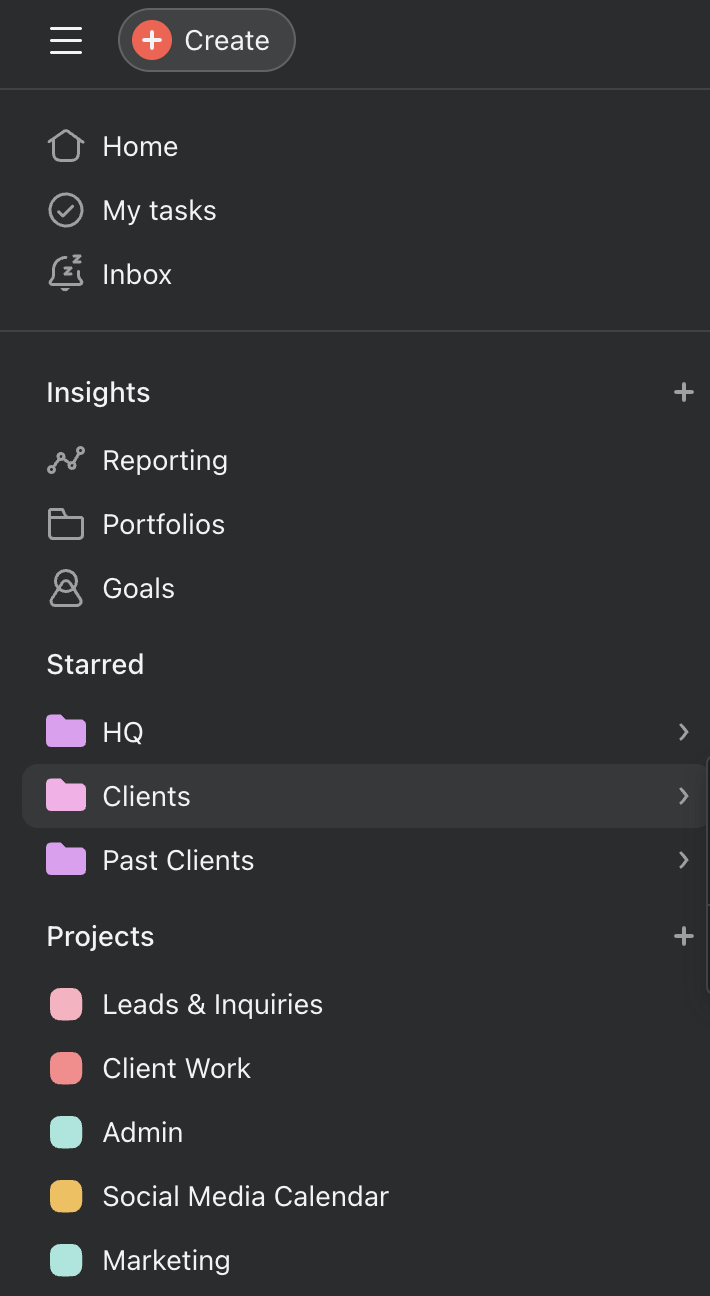
A sneak peek at SSS’s Asana Set Up
Asana Projects: The Foundation of Everything
Think of an Asana project as a repeatable collection of tasks. It's where the actual work lives, the individual tasks, due dates, assignees, subtasks, and all the details that move a piece of work from "to do" to "done."
Every task in a project should have two things, non-negotiable: a due date and an assignee. Without those two things, your project is just a wish list. With them, it becomes an actual accountability system. This is the baseline that makes everything else in Asana work, including portfolios.
Beyond tasks, every project should also have a fully completed Overview tab. This is where you capture the what, why, and who of the project, the context that helps your team members understand the purpose of the work without having to ask. And speaking of which: project managers and team leads should be providing status updates regularly within the project. Not in Slack. Not in a meeting. Inside Asana, where everyone can see it, and it's actually attached to the work.
Well-built individual projects with clear project timelines, properly assigned tasks, and regular status updates are the engine of a healthy Asana setup. Everything else, including portfolios, is built on top of this.
Asana Portfolios: The View from 30,000 Feet
Now, a portfolio is a collection of projects.
Instead of clicking into each project individually or Slacking your team a million times asking for updates, a portfolio lets you see the health of multiple related projects at a glance. Status, progress, workload all in one place, without the noise.
This is incredibly useful for project managers, business owners, and anyone who needs to report on work across different projects or different teams. Instead of living inside every team's project day to day, you can check a portfolio in a few minutes and get a clear picture of what's on track, what needs attention, and where things are moving.
But here's the key thing to understand: a portfolio is just a mirror.
It reflects what's in your projects. If your individual projects are incomplete, have tasks without due dates, or aren't receiving regular status updates, the portfolio will show that, and it won't be as helpful. Portfolios don't fix messy projects. They amplify them.
So before you even think about setting up portfolios, make sure your projects are fully built out, and your team members are actually using them. Get the foundation right first.
Do You Need Portfolios?
Short answer: yes... if you have access to them.
Portfolios are available on Asana's Advanced (formerly Business) plan and above. If you're on a lower tier, you may not have access, and that's okay. In that case, your priority is simply to ensure your projects are clean, up to date, and correctly set up. Take full advantage of every project feature Asana offers before worrying about portfolios. A well-built public project that your whole Asana team is actually using will do more for you than a portfolio built on top of neglected projects.
If you do have portfolio access, here's how to make them work for you.
How to Set Up Portfolios That Actually Work
Build portfolios around what you regularly report on. This might be by project type (all client onboarding projects, for example), by team member workload (all projects assigned to a specific person), by location, by industry, or by any other grouping that makes sense for your business. There's no wrong answer here. Organize them in a way that maps to how you actually need to review and report on work.
Projects can live in multiple portfolios. You don't have to choose. A single project can appear in a team member's workload portfolio, a client portfolio, and a quarterly overview portfolio all at once. This gives you multiple views of the same work without duplicating anything.
There's no limit to how many portfolios you can create. Build as many as you need to cover the different lenses through which you look at your work. Star your portfolios. This is the step most people skip and then wonder why they're still hunting through Asana to find things. Once your portfolios are set up, star the ones you use most so they appear directly in your sidebar. Faster access, less friction, no more clicking around.
The Bottom Line
Projects are where the work happens. Portfolios are how you see it clearly.
You can't have portfolios without having solid projects first, but once your projects are fully built out, portfolios become one of the most powerful tools in your Asana setup.
They save you time, reduce the need for constant check-ins with your team, and give you a real-time view of how your work is actually going. If you're an Asana user who's been wondering whether you're using the tool to its full potential, this is a good place to start.
If you're ready to get your projects clean, your portfolios organized, and your team actually using the system as intended, that's exactly what I do.